5200Canon
Canon Error Code 5200
What it means
Error 5200 on a Canon PIXMA typically means the print head overheated, most often because one or more cartridges ran dry and the head fired without ink to cool it. It can also follow a B200 or appear after refilling cartridges incorrectly. Restoring proper ink levels and resetting clears it in most cases.
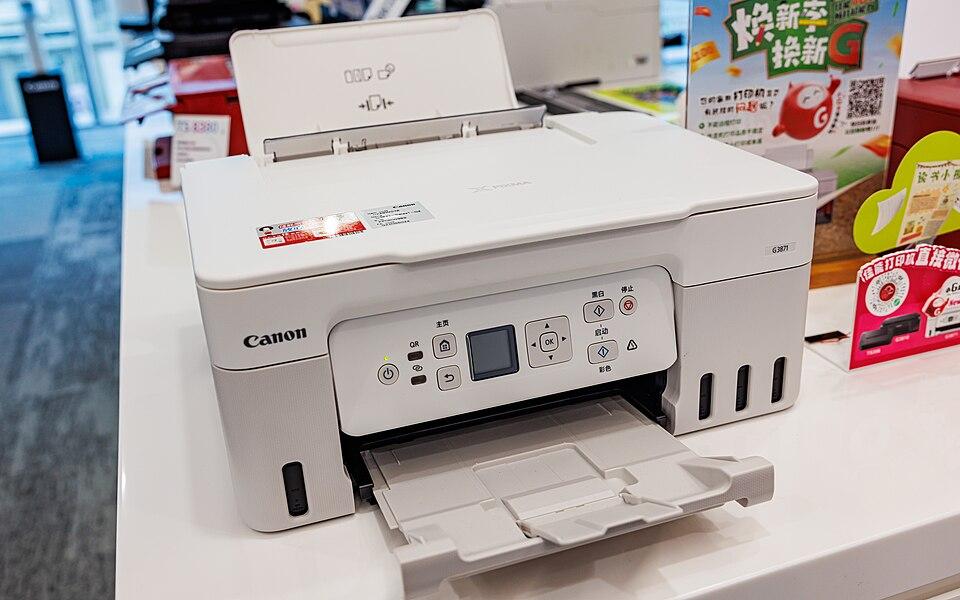
How to fix it
Try these in order — most Canon 5200 cases clear within the first couple of steps.
- Step 1 of 2
Replace any empty or low cartridges
Dry cartridges are the usual trigger.
- Check every cartridge and replace any that are empty or very low — including colours you rarely use.
- If you refill cartridges, make sure they are properly filled and seated.
- Step 2 of 2
Reset the printer
Power-cycle to let the head cool and re-initialise.
- Turn the printer off and unplug it for at least 10 minutes so the print head cools.
- Plug it back in and power on.
- Run a print-head clean and nozzle check from the maintenance menu.
Still stuck after these steps? The Canon help hub covers more issues, or browse all error codes.