Canon printer help
Canon’s PIXMA inkjets and imageCLASS lasers are popular for photo and everyday printing. Canon problems tend to show up as numbered error codes — 5100 for a blocked carriage, B200 for a print-head fault, 5200 for an overheated head, and 1700 for a full waste-ink pad. Many of these are mechanical and fixable at home once you know what the code means.
Canon print heads are central to most PIXMA errors, so keeping cartridges from running fully dry and running the occasional cleaning cycle prevents a lot of trouble. The guides and error pages below cover the most common Canon issues.
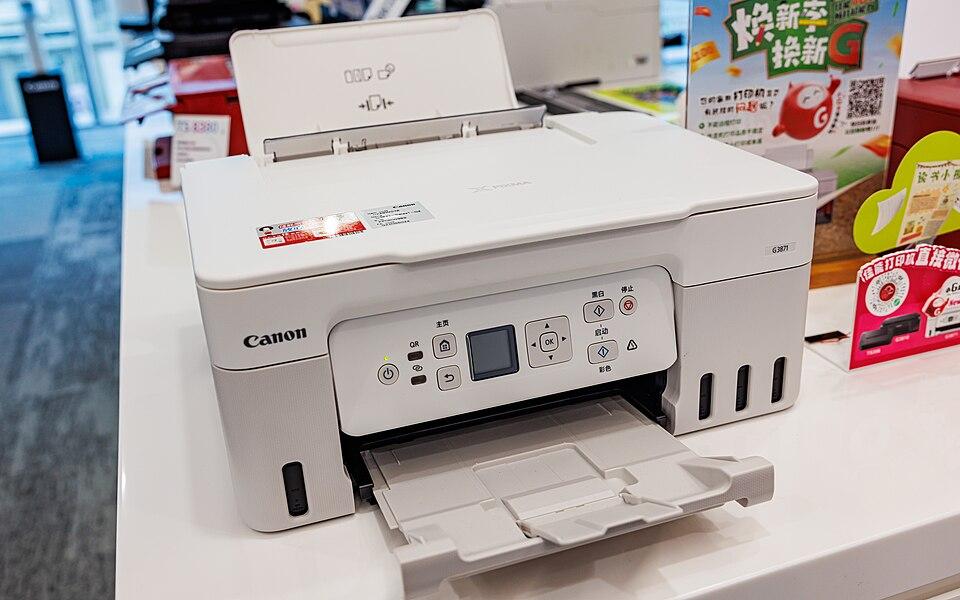
Canon troubleshooting guides
Not printing
Connected and ready, but nothing comes out? Work through the causes in order.
Open guidePaper jam
Clear a jam the right way — and fix a false jam error when there’s no paper.
Open guideWi-Fi drops
Stop a printer that connects fine, then drops off the network an hour later.
Open guideInstall drivers
Find and install the right driver so your computer can actually use the printer.
Open guidePrinter offline
Get a printer that says "offline" talking to your computer again.
Open guideNew printer setup
Unbox, connect, and print your first page — without the guesswork.
Open guideCommon Canon error codes
Canon printer FAQ
What does error 5100 mean on my Canon printer?
Error 5100 means the print-head carriage is blocked or the clear encoder strip is dirty. Clear any jammed paper or debris, gently clean the encoder strip with a water-dampened lint-free cloth, reseat the cartridges, and reset the printer. Our error 5100 page has the full steps.
How do I fix a Canon B200 error?
B200 is a print-head power fault. Try the reset sequence (open the cover, unplug, close and power on), then remove and clean the print head’s contacts. If it returns after cleaning, the print head has likely failed and needs replacing.
Why does my Canon printer say the ink pad is full?
That is error 1700/1701 — the waste ink absorber is nearly full. You can dismiss it and keep printing for a while by holding the Stop/Resume button, but eventually the pad needs resetting or replacing at a Canon service centre.