Brother printer help
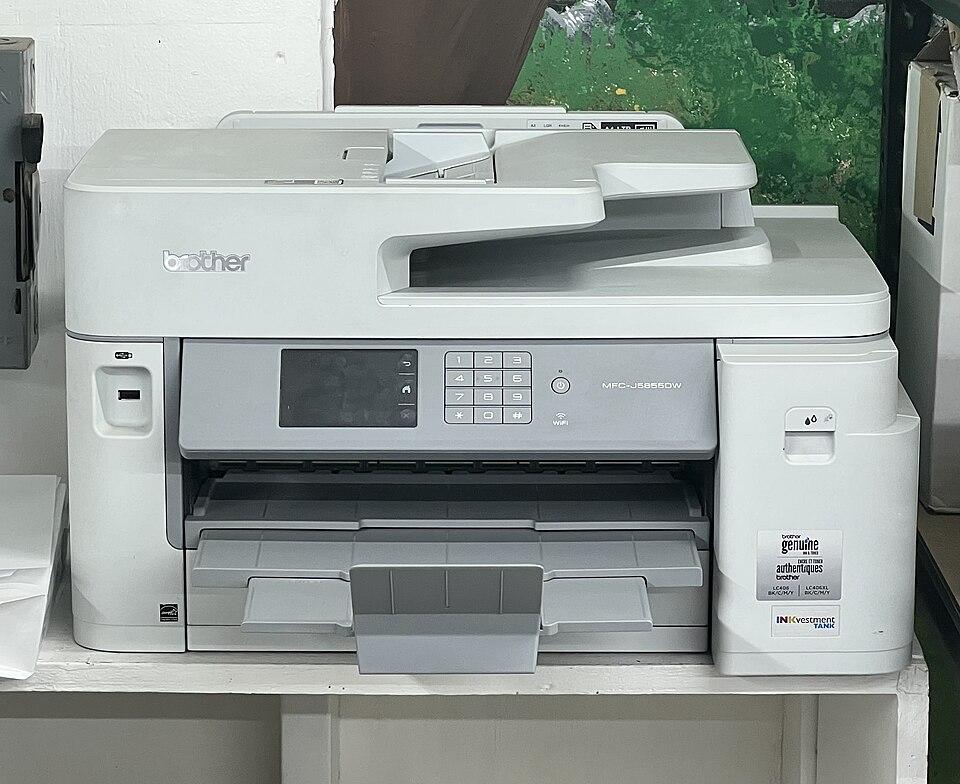
Brother is known for dependable, low-cost laser printers (the HL and DCP lines) and capable inkjets (MFC). Brother problems are often maintenance messages — "Replace Toner", "Drum End Soon", or "Unable to Print" codes like 46 that point to a full ink absorber on inkjets. Brother’s laser printers are generally low-fuss, with most issues being toner, drum, or connection related rather than mechanical failures.
The Brother iPrint&Scan app handles setup and scanning across most models. The guides below cover the connection, driver, and printing issues Brother owners run into most.
Brother troubleshooting guides
Install drivers
Find and install the right driver so your computer can actually use the printer.
Open guideWi-Fi drops
Stop a printer that connects fine, then drops off the network an hour later.
Open guidePrinter offline
Get a printer that says "offline" talking to your computer again.
Open guideNot printing
Connected and ready, but nothing comes out? Work through the causes in order.
Open guideScanner issues
Printer prints fine but scanning fails? Get the scanner responding again.
Open guideNew printer setup
Unbox, connect, and print your first page — without the guesswork.
Open guideCommon Brother error codes
Brother printer FAQ
What does "Unable to Print 46" mean on my Brother printer?
On Brother inkjets, code 46 means the ink absorber (purge) box is full and the printer has stopped to avoid overflow. The purge counter can be reset in the printer’s maintenance mode, but for a heavily used printer it is best to have the absorber checked or replaced at a service centre.
My Brother says "Drum End Soon" — do I need a new drum?
Not immediately. "Drum End Soon" is an early warning that the drum unit (separate from the toner) is wearing out. You can keep printing for a while. Order a replacement drum so you have it ready, and reset the drum counter when you fit the new one.
How do I connect my Brother printer to Wi-Fi?
Use the printer’s Network > WLAN > Setup Wizard to join your 2.4 GHz network, or run the Brother iPrint&Scan app, which guides you through it. If it keeps dropping, set a fixed IP and connect to 2.4 GHz rather than 5 GHz — see our Wi-Fi guide.