Canon Error Code 5100
What it means
Error 5100 on a Canon PIXMA means the printer cannot move the print-head carriage freely. Something is physically blocking it, or the thin clear encoder strip the carriage uses to track its position is dirty, smeared with ink, or knocked out of place. It is almost always a mechanical obstruction rather than an electronic fault, which means it is usually fixable at home.
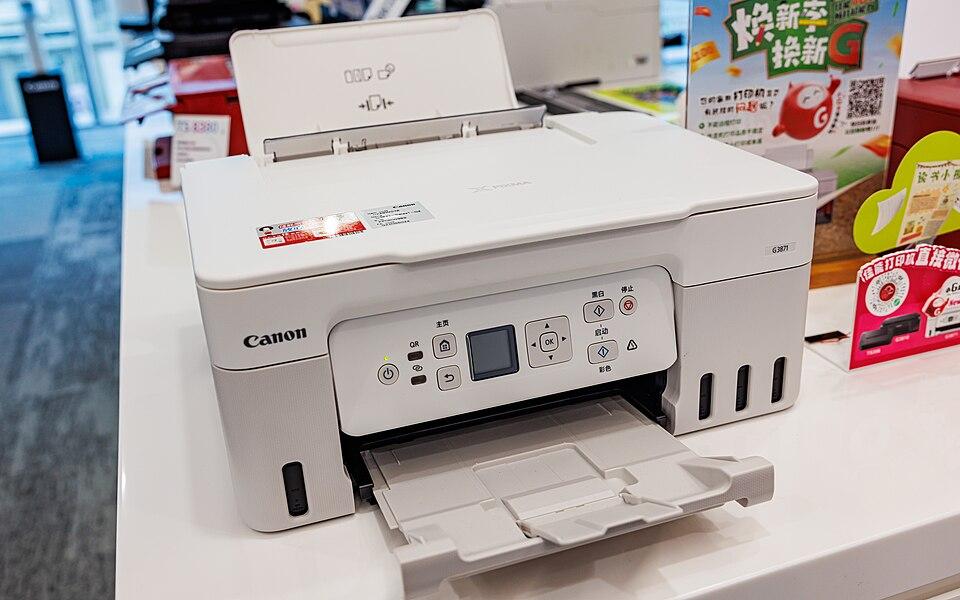
How to fix it
Try these in order — most Canon 5100 cases clear within the first couple of steps.
- Step 1 of 3
Clear obstructions from the carriage path
Remove jammed paper, packing tape, or debris.
- Turn the printer off and open the cartridge cover.
- Look for any jammed paper, orange shipping tape (on a new printer), or debris under the carriage.
- Gently slide the carriage from side to side by hand to confirm it moves freely.
- Step 2 of 3
Clean the encoder strip
Wipe the clear plastic strip behind the carriage.
The encoder strip is a thin transparent film running the width of the printer behind the carriage. Ink smudges on it cause 5100.
- Lightly dampen a lint-free cloth with water (never alcohol, which removes the markings).
- Gently wipe the strip clean along its length, supporting it with a finger behind.
- Make sure the strip is seated in its slots and not bent.
- Step 3 of 3
Reseat cartridges and reset
Reseat the ink, then power-cycle.
- Reseat each cartridge until it clicks.
- Close the cover, turn the printer off, unplug for 2 minutes, then power back on.
Still stuck after these steps? The Canon help hub covers more issues, or browse all error codes.