Brother "Unable to Print 46"
What it means
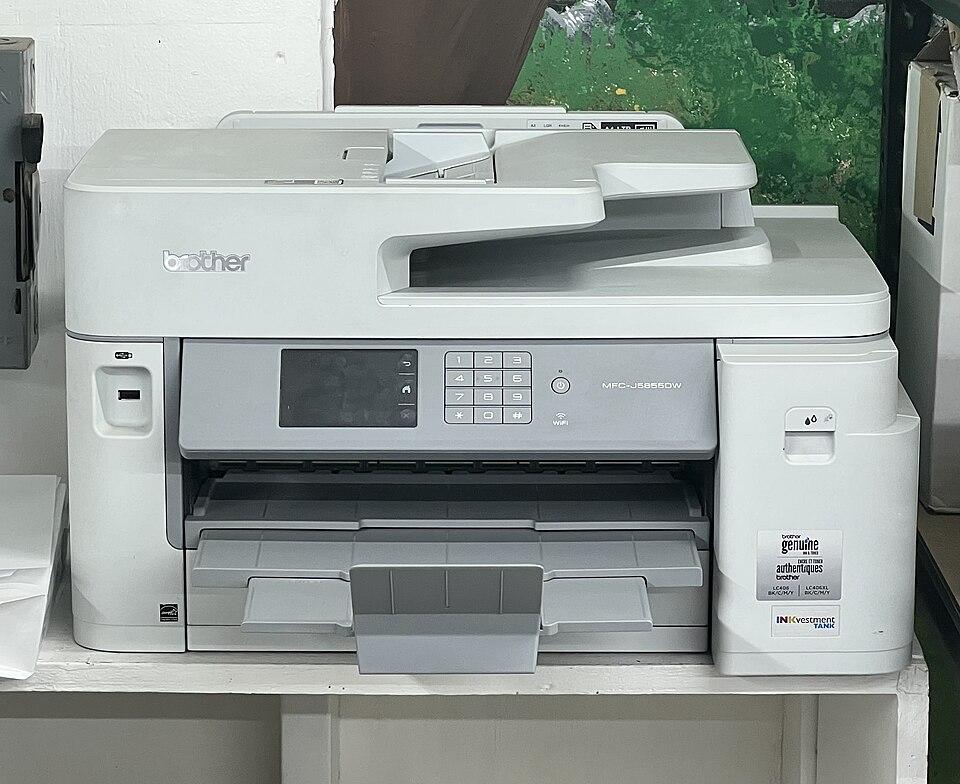
On Brother inkjet printers, "Unable to Print 46" (and the related 36/48/50 codes) means the ink absorber box — the pad that collects ink from cleaning cycles — is full, and the purge counter has reached its limit. The printer stops to avoid ink overflow. The counter can be reset in the printer’s maintenance mode, ideally alongside replacing or checking the absorber.
How to fix it
Try these in order — most Brother 46 cases clear within the first couple of steps.
- Step 1 of 2
Enter maintenance mode
Access the hidden service menu to reset the counter.
- With the printer on, the exact key sequence varies by model — on many models, press Menu, then Up arrow four times, or hold specific keys; check your model’s service procedure.
- This opens "MAINTENANCE" mode on the display.
- Step 2 of 2
Reset the purge counter
Clear the absorber counter via code 80.
- In maintenance mode, enter function code 80 to view and reset the purge/absorber counter.
- Select "Purge" and reset it to zero, then exit maintenance mode (code 99).
Important
Resetting the counter without addressing a genuinely full absorber risks ink overflow. For a heavily used printer, have the absorber checked or replaced by a Brother service centre.
Still stuck after these steps? The Brother help hub covers more issues, or browse all error codes.