Canon Error Code 1700
What it means
Error 1700 (sometimes 1701) is a warning, not a failure: the waste ink absorber pad — which catches ink used during cleaning cycles — is nearly full. The printer keeps working for now but is telling you the pad will eventually need replacing or resetting. You can usually continue printing by acknowledging the message.
How to fix it
Try these in order — most Canon 1700 cases clear within the first couple of steps.
- Step 1 of 2
Dismiss the warning to keep printing
Press the Stop/Resume button to continue.
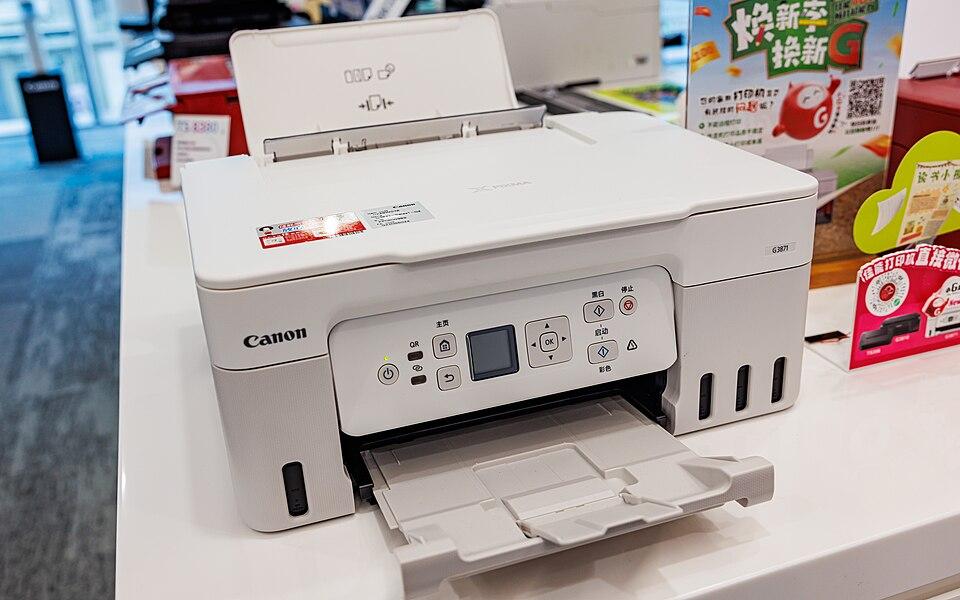
- When 1700 appears, press and hold the Stop/Resume (triangle in a circle) button for a few seconds.
- The printer should resume and let you keep printing for now.
- Step 2 of 2
Plan for a pad reset or service
A full pad eventually needs resetting or replacing.
Once the absorber is truly full, the printer stops to prevent ink overflow. A Canon service centre can replace the pad and reset the counter. On low-cost models, many people replace the printer instead, since the service cost is similar.
Still stuck after these steps? The Canon help hub covers more issues, or browse all error codes.