0XF1Epson
Epson Error Code 0xF1
What it means
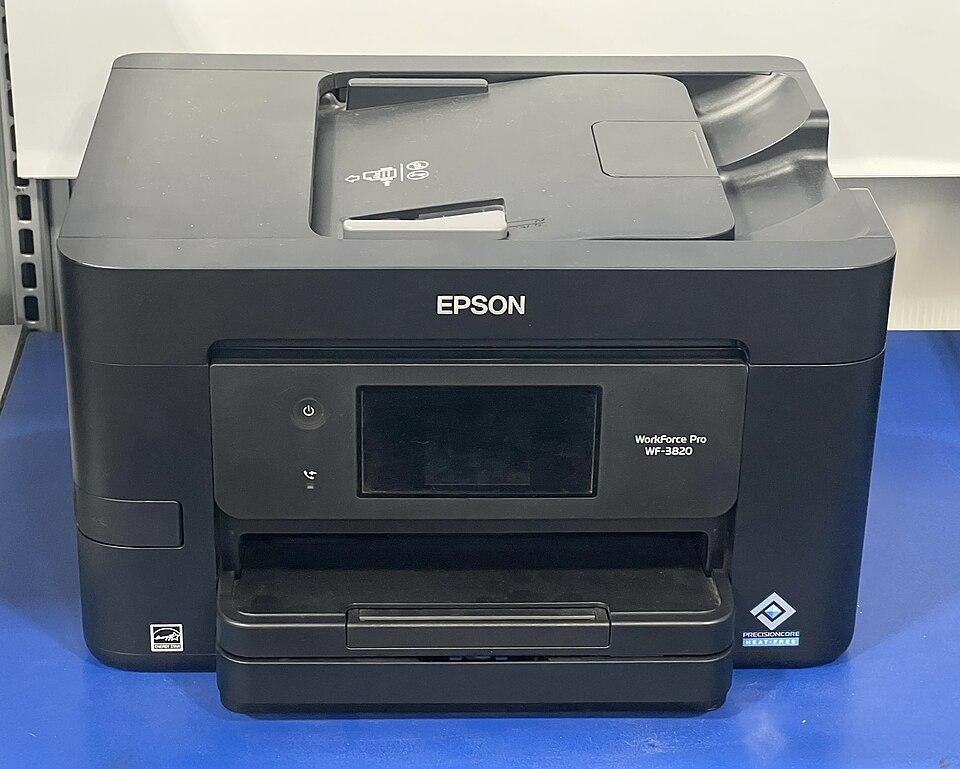
Error 0xF1 on Epson printers signals a hardware fault, usually with the print-head carriage — it is stuck, obstructed, or cannot read its position from the encoder strip. Like the related 0x97, a clean reset clears many cases, but a persistent 0xF1 can mean a mechanical or board failure.
How to fix it
Try these in order — most Epson 0XF1 cases clear within the first couple of steps.
- Step 1 of 2
Clear obstructions and check the carriage
Make sure the carriage moves freely.
- Turn the printer off and open it.
- Remove any jammed paper, packing tape, or debris from the carriage path.
- Gently move the carriage by hand to confirm it glides without resistance.
- Step 2 of 2
Power-cycle the printer
Reset the board with an unplugged restart.
- Unplug the printer for 5 minutes so the board discharges.
- Plug it back in and power on.
Still stuck after these steps? The Epson help hub covers more issues, or browse all error codes.