Epson Error Code 0x97
What it means
Error 0x97 is Epson’s general internal hardware error, seen most on WorkForce and Expression models. It means the printer’s mainboard detected a fault it could not recover from on its own — often the print head, the ink system, or the board itself. It usually appears suddenly, with the printer working one day and showing 0x97 the next.
A power-cycle reset clears it in many cases. If it returns immediately and repeatedly, the mainboard or print head may have failed, which on lower-cost models can cost more to repair than the printer is worth.
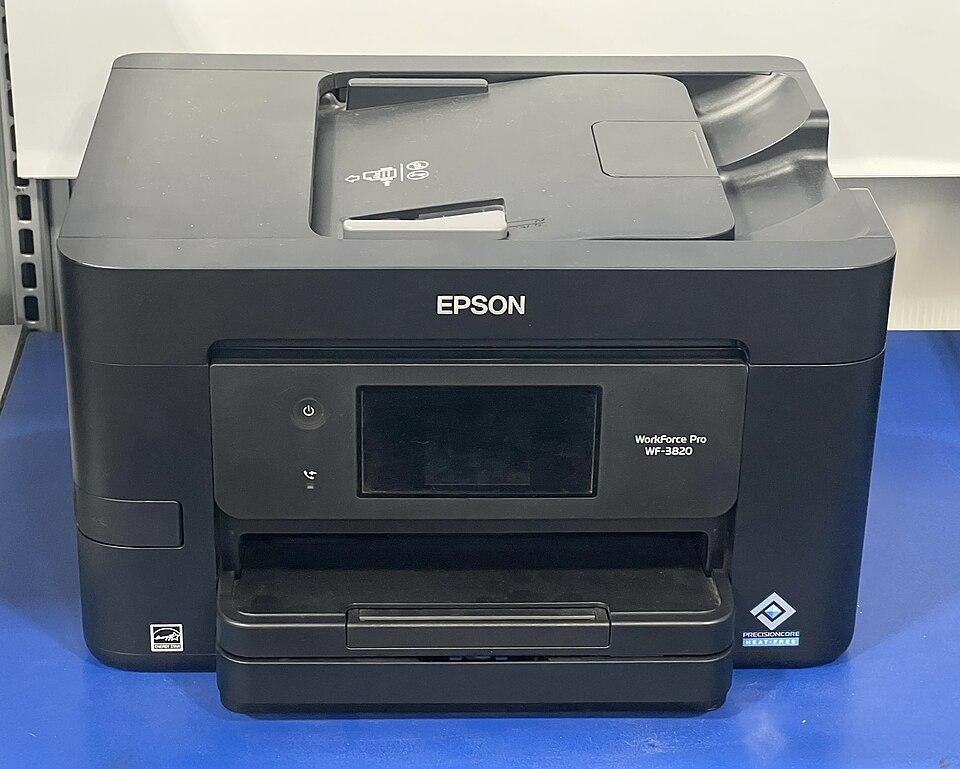
How to fix it
Try these in order — most Epson 0X97 cases clear within the first couple of steps.
- Step 1 of 3
Power-cycle the printer
Fully reset the mainboard with an unplugged restart.
- Turn the printer off using its power button.
- Unplug the power cable from both the printer and the wall.
- Wait a full 5 minutes so the board fully discharges.
- Plug it back in and power it on. Many 0x97 errors clear here.
- Step 2 of 3
Check for obstructions and the print head
Clear anything blocking the carriage path.
- Open the printer and gently move the print-head carriage by hand — it should glide freely.
- Remove any torn paper, packing material, or debris from the path.
- Reseat the ink cartridges firmly until they click.
- Step 3 of 3
If it returns, contact Epson support
A persistent 0x97 usually means a hardware failure.
If the error comes straight back after a clean reset, the mainboard or print head has likely failed. Check whether the printer is under warranty before considering a paid repair.
Still stuck after these steps? The Epson help hub covers more issues, or browse all error codes.