0X6100004AHP
HP Error Code 0x6100004a
What it means
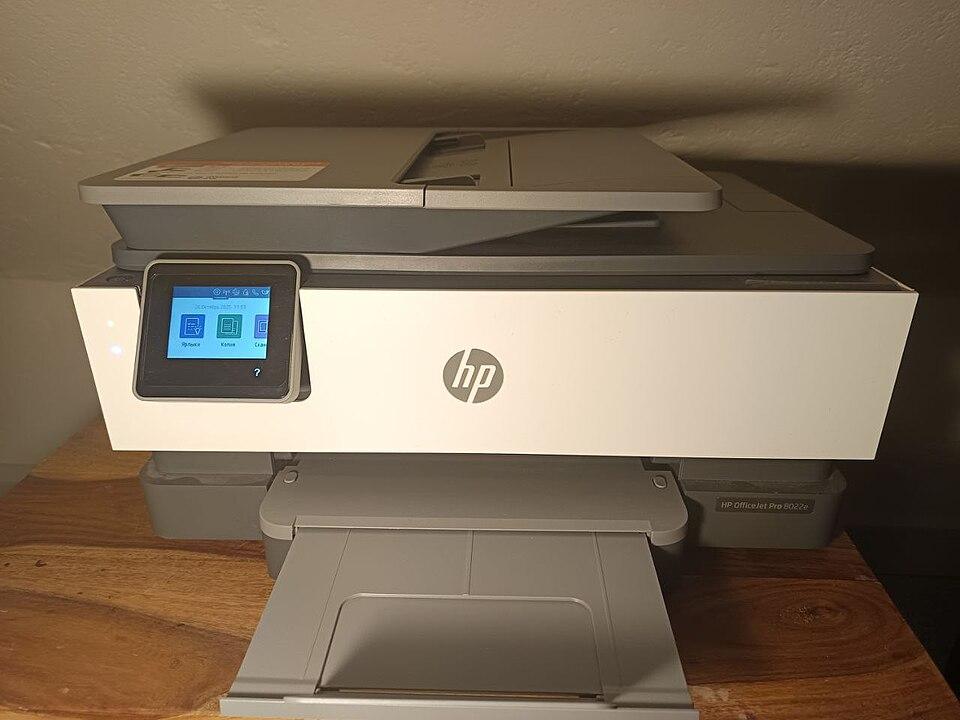
Error 0x6100004a appears on HP OfficeJet, ENVY, and DeskJet models and points to a carriage jam or an ink-system problem — the printer cannot move the cartridge carriage as expected. It is usually caused by jammed paper, a stuck carriage, or a cartridge that is not seated, rather than a deeper fault.
How to fix it
Try these in order — most HP 0X6100004A cases clear within the first couple of steps.
- Step 1 of 3
Clear the carriage path
Remove anything blocking the cartridge carriage.
- Turn the printer off and open the cartridge access door.
- Remove any jammed paper or debris, checking the rear access door too.
- Move the carriage gently by hand to confirm it slides freely.
- Step 2 of 3
Reseat the cartridges
Make sure each cartridge clicks into place.
- Remove and reinsert each cartridge until it clicks firmly.
- Check no cartridge is sitting proud of the others.
- Step 3 of 3
Reset the printer
Power-cycle with the printer on.
- With the printer on, unplug the power cable from the printer for 60 seconds.
- Plug it back in and power on to force a re-initialisation.
Still stuck after these steps? The HP help hub covers more issues, or browse all error codes.